Help guide
Getting started
Getting started with Site Star begins with your current website and almost nothing else. You enter your web address, Site Star rebuilds your site for free, and you decide whether to keep it after you have seen it. There is no account to create and nothing to pay until you have looked at your new site and want to move forward.
Enter your website
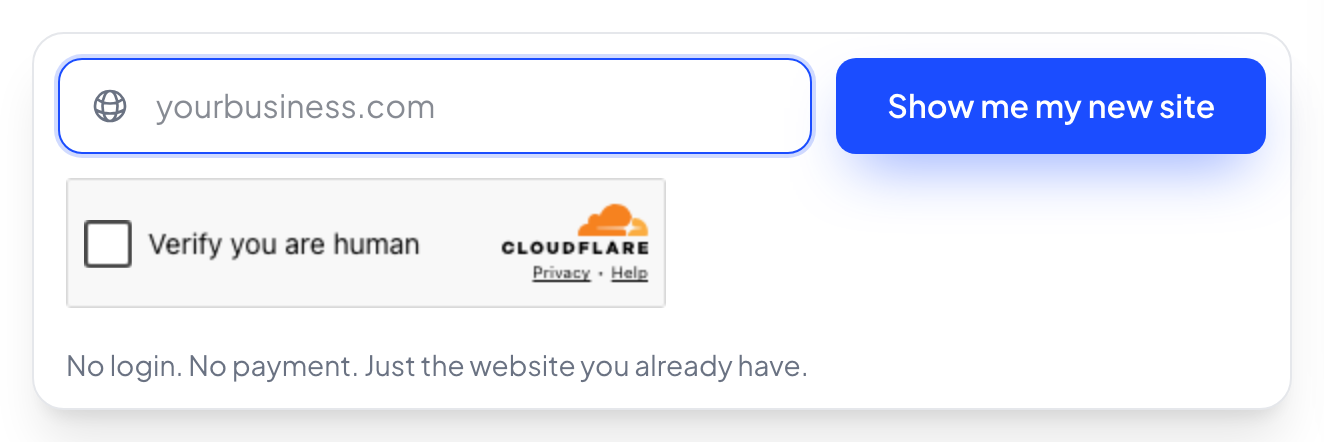
Go to sitestar.io and enter your current website address. That is all Site Star needs to begin. It uses your address to find your existing site and start building a new version of it, so you are not starting from a blank page.
Choose how Site Star should reach you
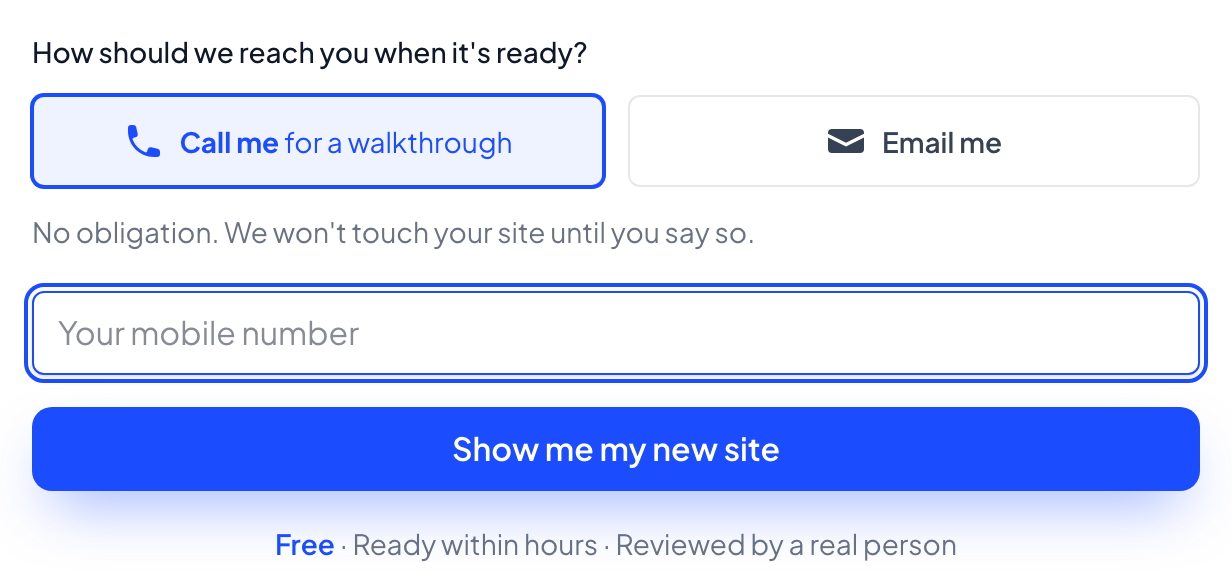
Once your web address is in, Site Star shows you a preview page and asks one thing: how you want to hear back when your new site is ready. Choose email or a phone call, and enter your contact details.
There is no account to set up and nothing to pay at this point. You are simply telling Site Star how to reach you when the rebuild is done.
Site Star rebuilds your site
Now Site Star gets to work. A real person reviews your current site and content, and your new site is rebuilt, usually within hours. You do not have to wait around or check in on anything. Site Star reaches out to you the way you asked as soon as your site is ready.
Review your new site
When your rebuild is done, Site Star contacts you with your new site to look over. This is your real new site, not a picture of one, so you can click through it the way a customer would.
Take your time with it. Nothing is live yet, and nothing on your current site has changed.
Move forward and go live
If you like what you see and want to keep it, this is when your account is created and your site goes live. Your Handled Website plan starts at $350 a month, all in, with no setup fee. The rebuild and the switch are included.
Site Star handles the switch for you. It moves your domain and points everything at your new site, so your visitors land in the right place. If you ever decide to stop, you keep the site, the content, and the domain.
That is it. Your website is handled from here.
From now on, changing anything is as simple as sending a message. New hours, new photos, a new service page, whatever you need. Send it over and Site Star takes care of it.
Ready to make your first change? See requesting a change. Want a closer look at how the day to day works? See how Site Star works. Or get in touch, usually the same business day.